

Description
Features
Reliable FD performance
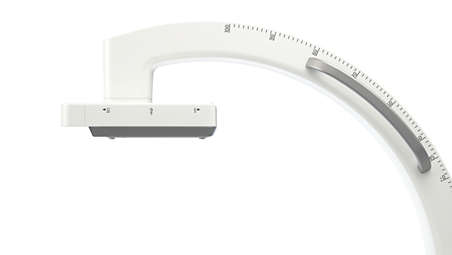
Day in, day out, our a-Si Flat Detector technology (20×20 cm) delivers distortion-free images with superb resolution and dose efficiency for performing a wide variety of surgical procedures. It builds on Philips’ long experience in Flat Detector imaging for fixed and mobile C-arm systems.
Increase utilization for diverse patients
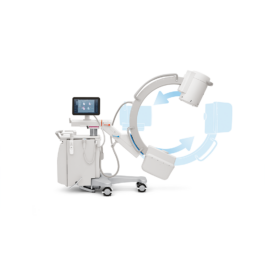
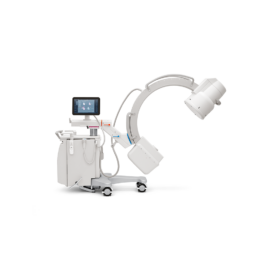
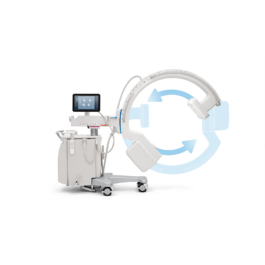
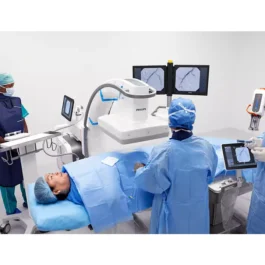
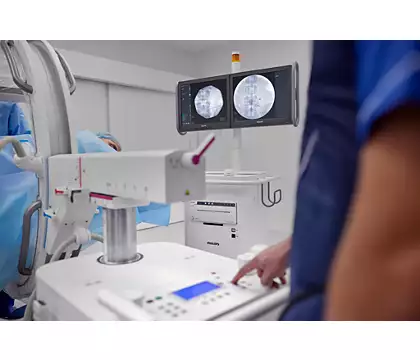
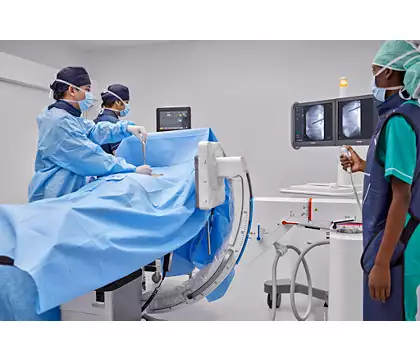
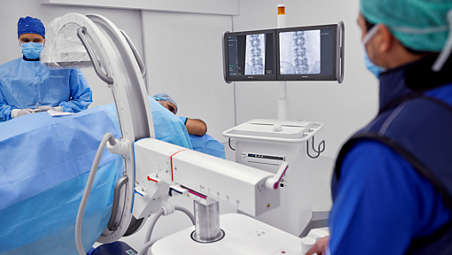
Zenition 10 supports a broad mix of surgical procedures, including orthopedic, trauma, spine, pain management, peripheral vascular, abdominal, urology and general surgical procedures. The versatile design features an excellent C-arm with high C-arm depth and large angulation range, allowing you to image a diverse range of patients.
Fast and personalized IQ for consistency
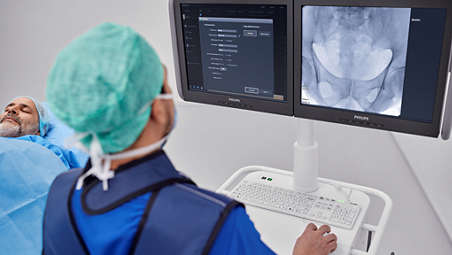
One-click procedure-specific protocols can set the required image quality parameters without applying overly high X-ray dose according to the ALARA principle. These imaging parameters can be further customized with user profiles. Simply select a choice from a predefined list of system and image quality preferences, based on contrast, sharpness, blur and noise.

Raise productivity with proven uptime
Keep productivity high and maintenance effort low, based on Philips quality and reliability. Zenition 10 builds on this promise with high serviceability, Remote Expert Connect and proactive logging features. With Philips Healthcare Operational Services (HOS) get tailor-made service agreements that leverage the capabilities of your in-house service teams.
Reduce miscommunication with Unify workflow¹
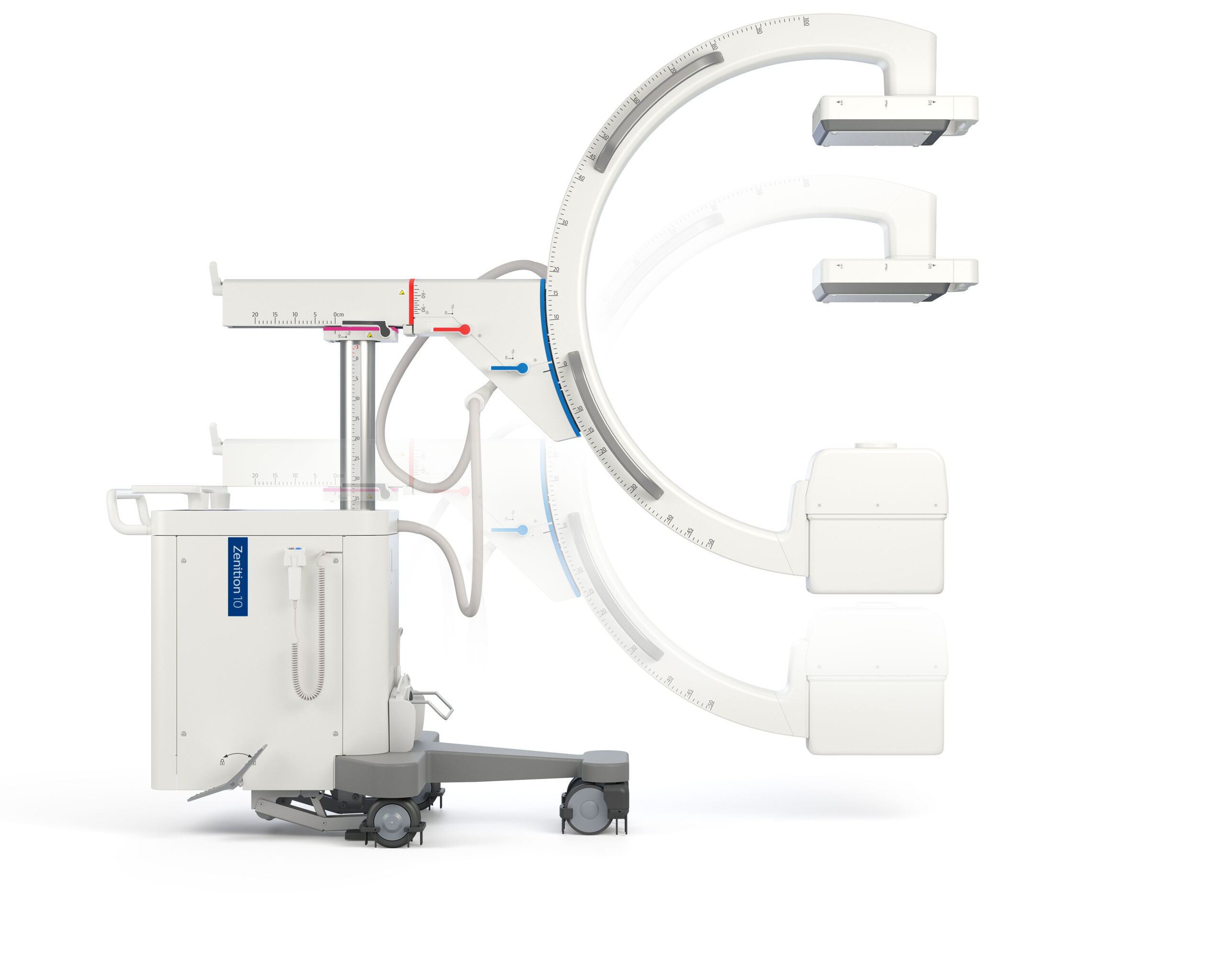
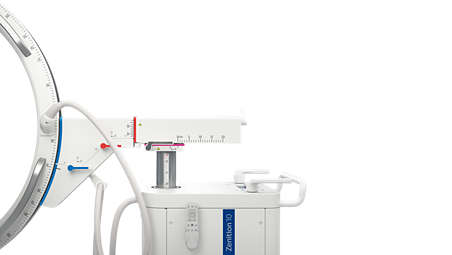
Imaging becomes easier with the navigational aids following the principles of Unify workflow. This workflow brings intuitive control and handling to the Zenition 10, enhancing teamwork. Features of the Unify workflow include ClearGuide and color-coding. These can reduce miscommunication during imaging to help surgical teams focus on the patient rather than technical discussions. With its uniform design and user-friendly controls, operators quickly feel comfortable using the system.
Enhance cyber security with standard Windows® platform
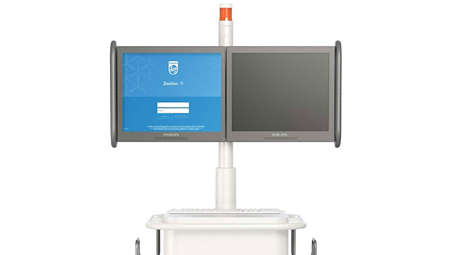
This platform accommodates new software options to extend your systems clinical relevance. With the Windows operating system, it also supports compliance with the latest security standards to protect patient data and prevent malware attacks which can affect service delivery.
Premium imaging technologies
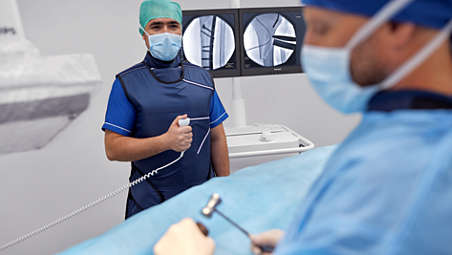
Philips premium imaging technologies and advanced image processing algorithms combined with DoseWise and radiation management features to give you superb quality images at efficient dose levels. MetalSmart helps reduce exposure caused by metal objects in the field of view to enhance image quality for orthopedic procedures and patients with metal implants.
Ease of use and operation
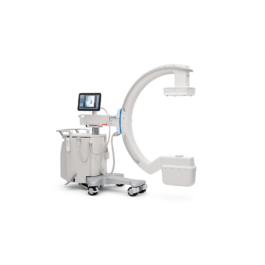
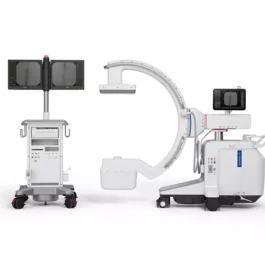
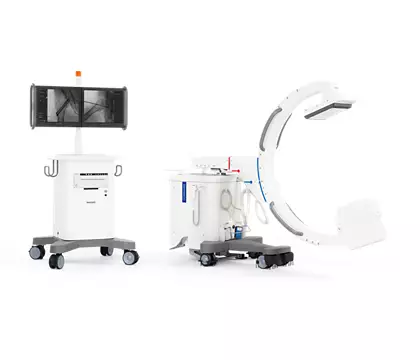
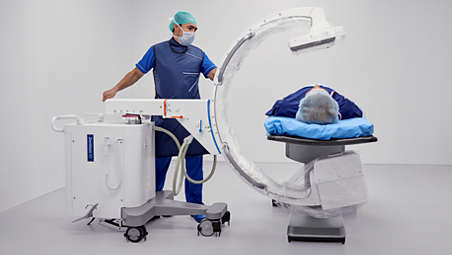
The excellent C-arm depth of 73 cm and angulation movement of 150 degrees improves accessibility to anatomy allowing quick and convenient positioning for all users. More space is created to easily maneuver the C-arm between the tank and floor/ table base with the space-saving tank design. The compact 20 x 20 cm FD is also easy to position around patients. The user can easily operate the system with the supple movements of the fully counterbalanced C-arm and the lightweight Mobile Viewing Station.
Additional tools for clinical precision
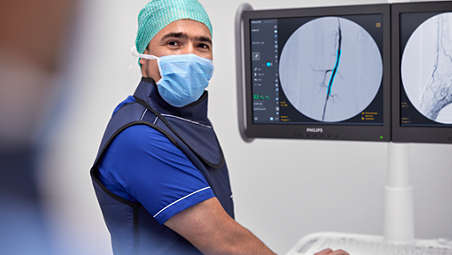
The Multi Modality Viewer allows you to upload CT, MRI and other DICOM images to compare alongside live fluoroscopy images. This helps improve precision in clinical decisions. Quickly mark a bifurcation, side branches or any other anatomy on live fluoroscopy images with the outlining tool for guidance during procedures.
Transfer data beyond the OR
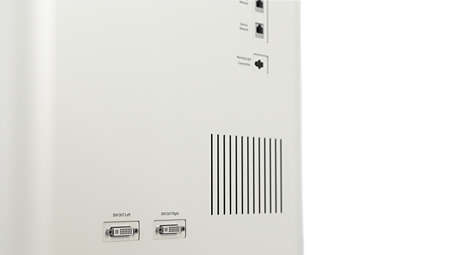
Easily connect Zenition 10 mobile C-arms with your hospital infrastructure thanks to advanced connectivity and interoperability tools, including high-speed wireless data transfer and full DICOM3.0 capability.